Set the horizontal and vertical screen switching of the applet
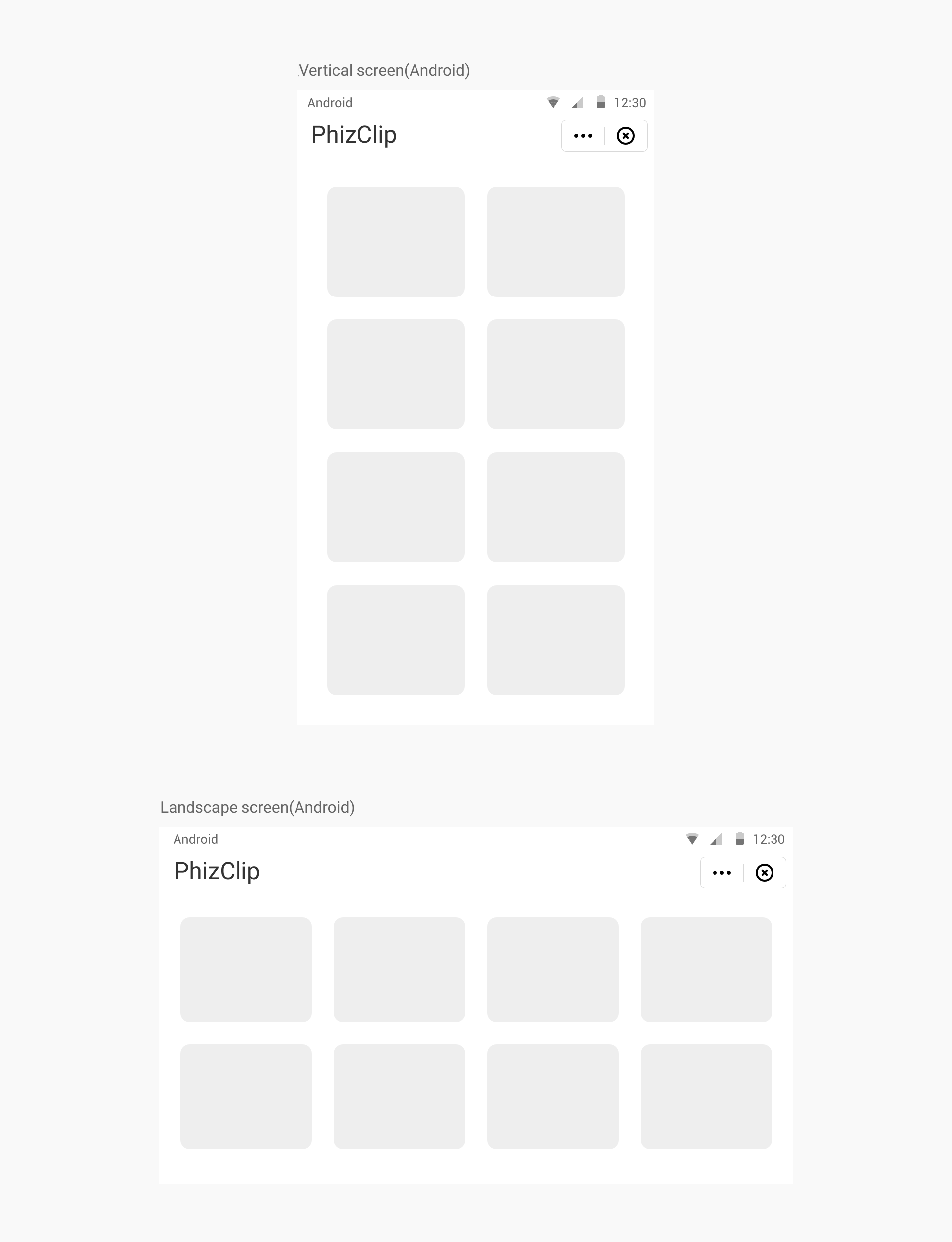
1. Effect show
2. Coverage
Support horizontal, vertical, horizontal and vertical screen switch freely
This setting can be specified by the applet itself, when the applet app.json file contains the relevant code, it can realize the horizontal and vertical screen switching
3. Setting method
The screen rotation settings of the applet can be configured globally in the window of the app.json file of the applet project, or individually in the .json file of each page.
- Global configuration in
app.json.
json
{
  "window": {
    "pageOrientation": "auto" // auto: switch freely between horizontal and vertical screen, portrait: vertical screen, landscape: horizontal screen
  }
}- Configure separately in the
.jsonfile of the page.
json
{
  "pageOrientation": "auto" // auto: switch freely between horizontal and vertical screen, portrait: vertical screen, landscape: horizontal screen
}- The page configuration will override the same configuration in
windowofapp.jsonon the current page.